 Custom Command
Triggers
Button Click
This trigger type will detect when a user clicks a button. The button has to be sent by the bot.
Example of a button:
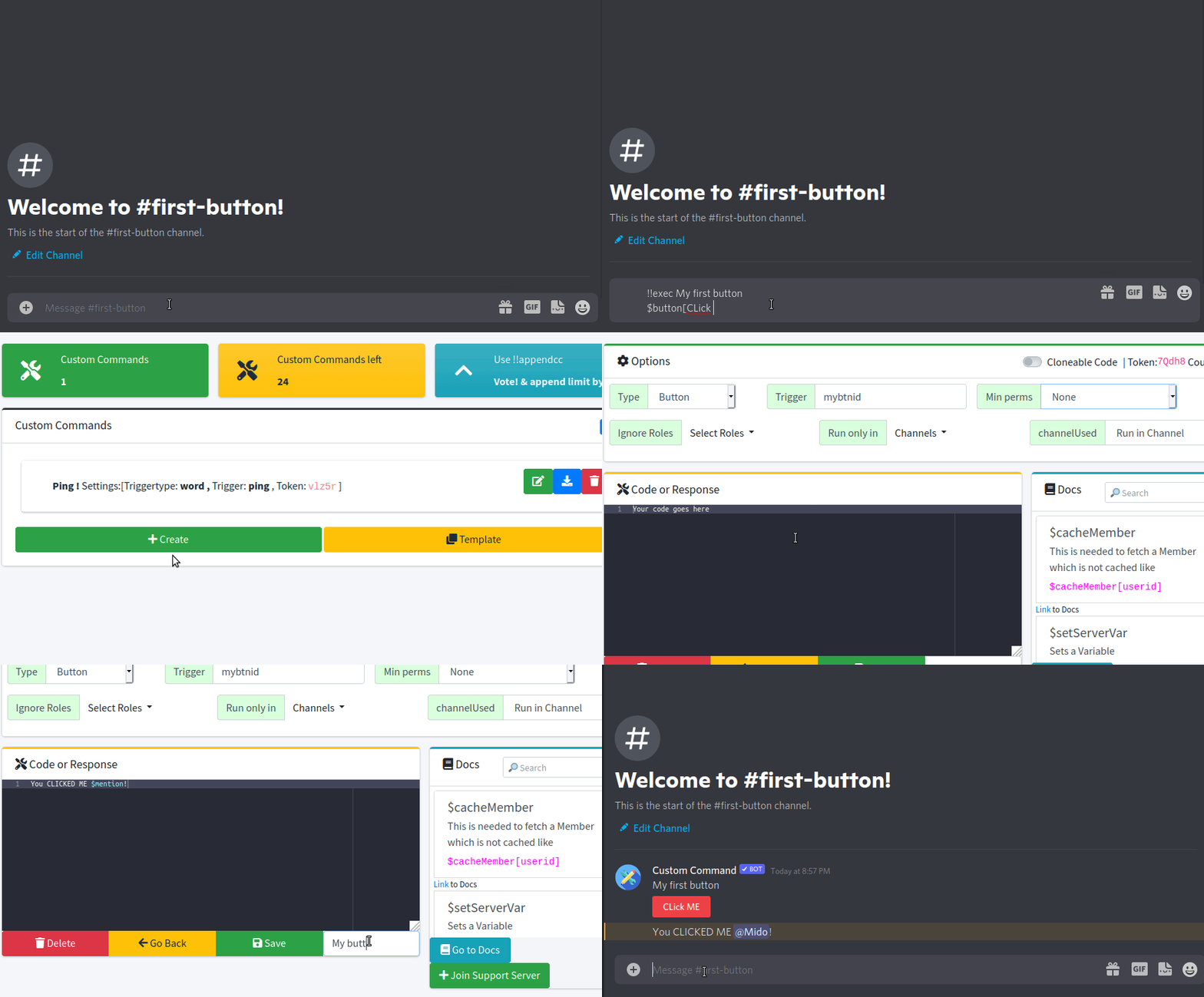
Syntax
In order for a button command to work, there must be a button ID specified. Here's how you can provide it:
| Name | Syntax | Example | Explanation |
|---|---|---|---|
| Single ID | button ID | staff-app | Detects a button with "staff-app" ID |
| Multiple IDs | buttonID|buttonID | Apple|Banana|Orange | Matches a buttons with IDs: "Apple", "Banana", or "Orange" |
| Regex | /RegExp/ | /User-\d{18,}/ | Will trigger on any button following the pattern "User-ID" like "User-434342521997492224" |
Capitalization
All button IDs are CASE SENSITIVE, so a if a command doesn't trigger, check the capitalization!
Tricky behavior
Button commands use regex to match the button ID, so commands with IDs with similiar beginnings may interfere.
For Example:
Let's say we have two buttons with the following IDs:
testtestone
If we had a command Button: test both buttons will trigger it.
Resolving the Problem
Just change your id to ^id$
In regex ^ and $ are used to match the start and end of the string.
Related Functions
$button- sends a button$buttonID- returns the button id$buttonEmoji- returns the button emoji$buttonLabel- returns the button label$buttonURL- returns the button url$buttonStyle- returns the button style$buttonIsDisabled- returns whetheer the button disabled
More Info
Do you want to know more about the bot's syntax? You can check out this page to learn more!